Booking widget
Keep your website. Add the bookings.
Your timetable, Book now buttons and checkout, right on the website you already have. Customers find a class, book and pay without ever leaving your page.
- Paste one snippet
- Works with WordPress, Squarespace, Wix and Shopify
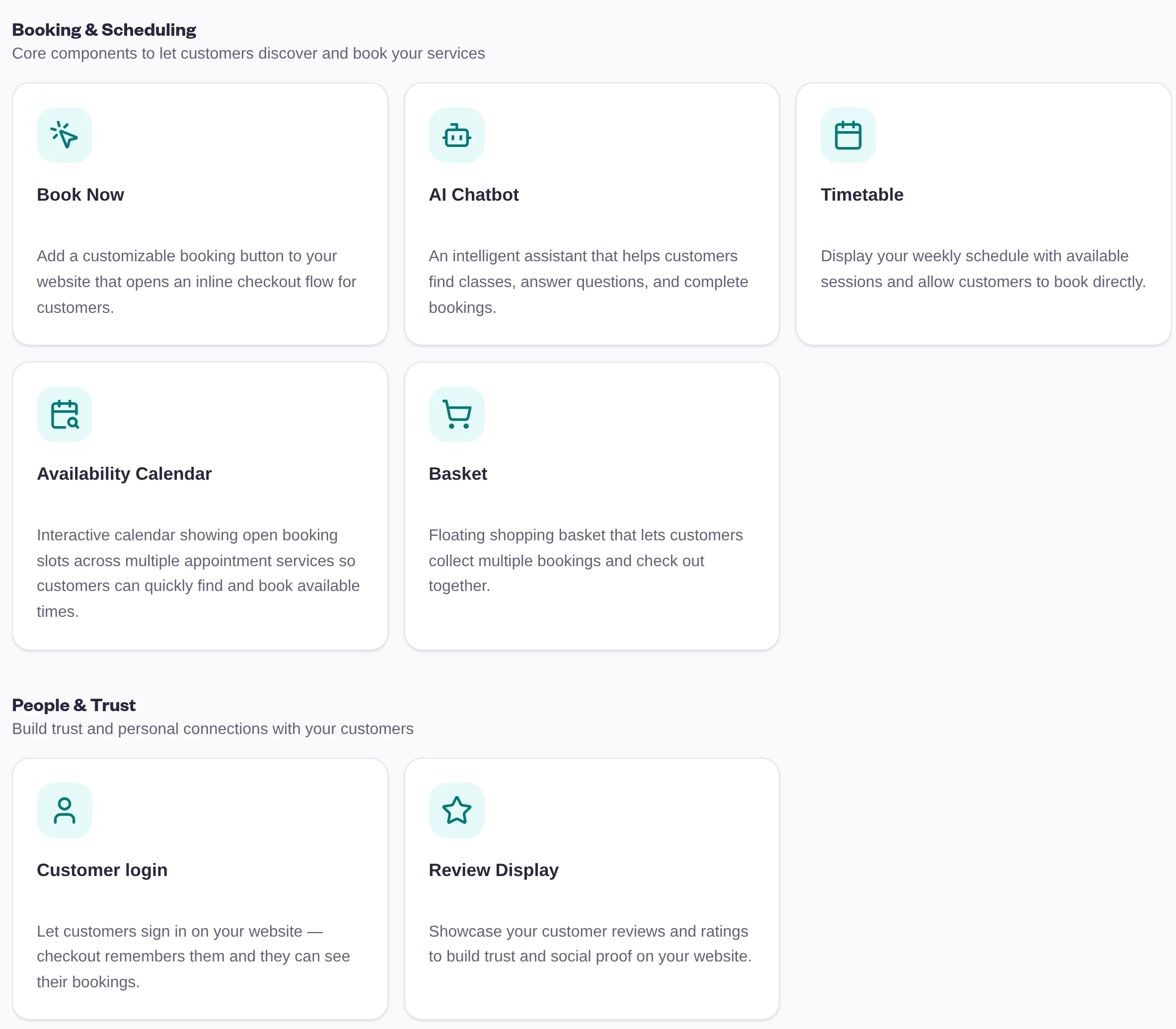
Pick what you need
A component for every page of your site.
Put the full timetable on your classes page and a Book now button on each workshop's page. Mix them however you like.
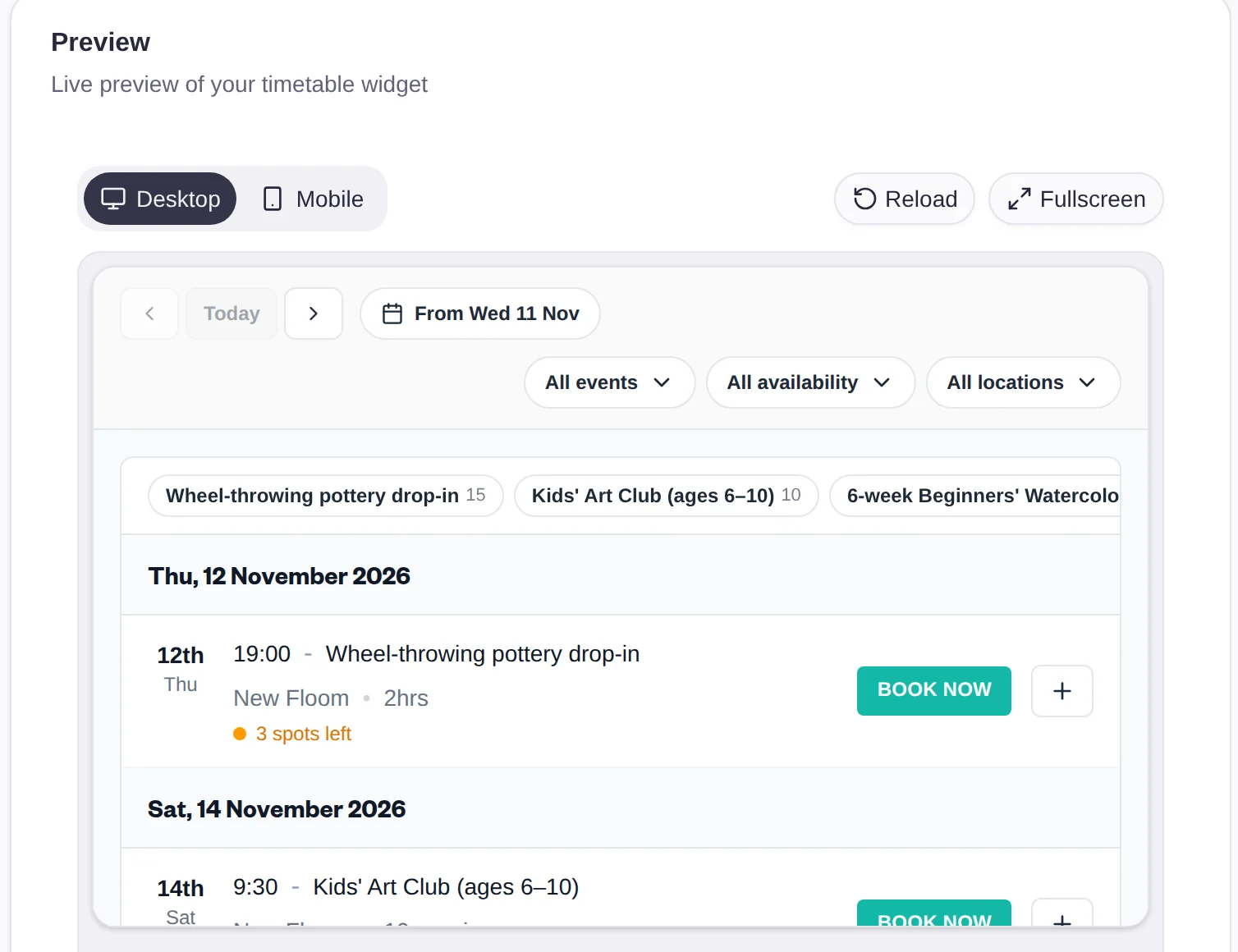
- Timetable: your sessions by day, with filters, inline or as a popup
- Book now: a button that opens checkout for one class, course or event
- Availability calendar: open slots across your appointment services
- Basket: several bookings, one checkout
- Gift cards: sold and emailed to the recipient from your site
- Reviews and customer login: show your reviews, and let customers see their bookings
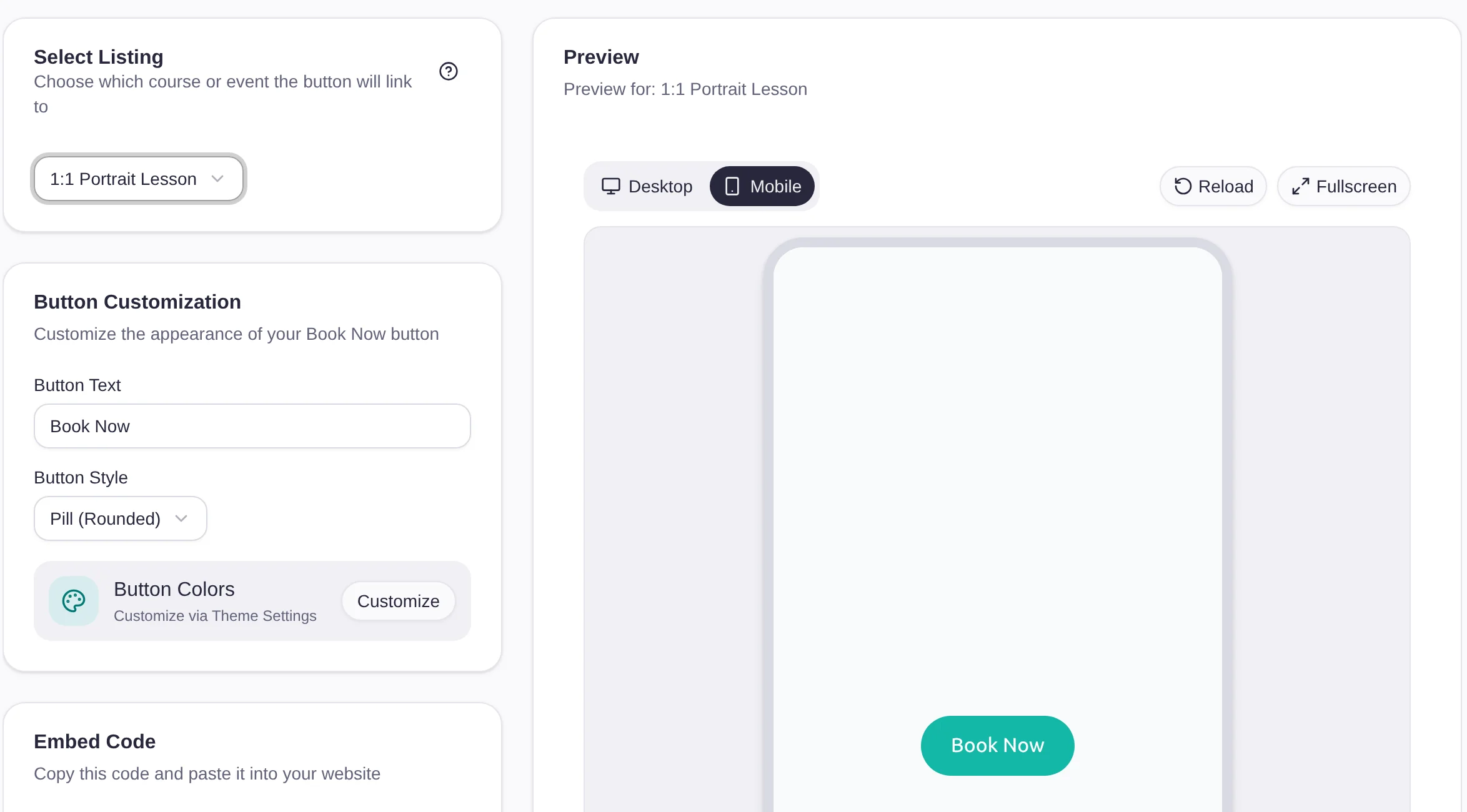
Book now buttons
One button, straight to checkout.
Choose the class, course or event, write the button's text and pick its shape. Customers click it and book there and then, on your page.
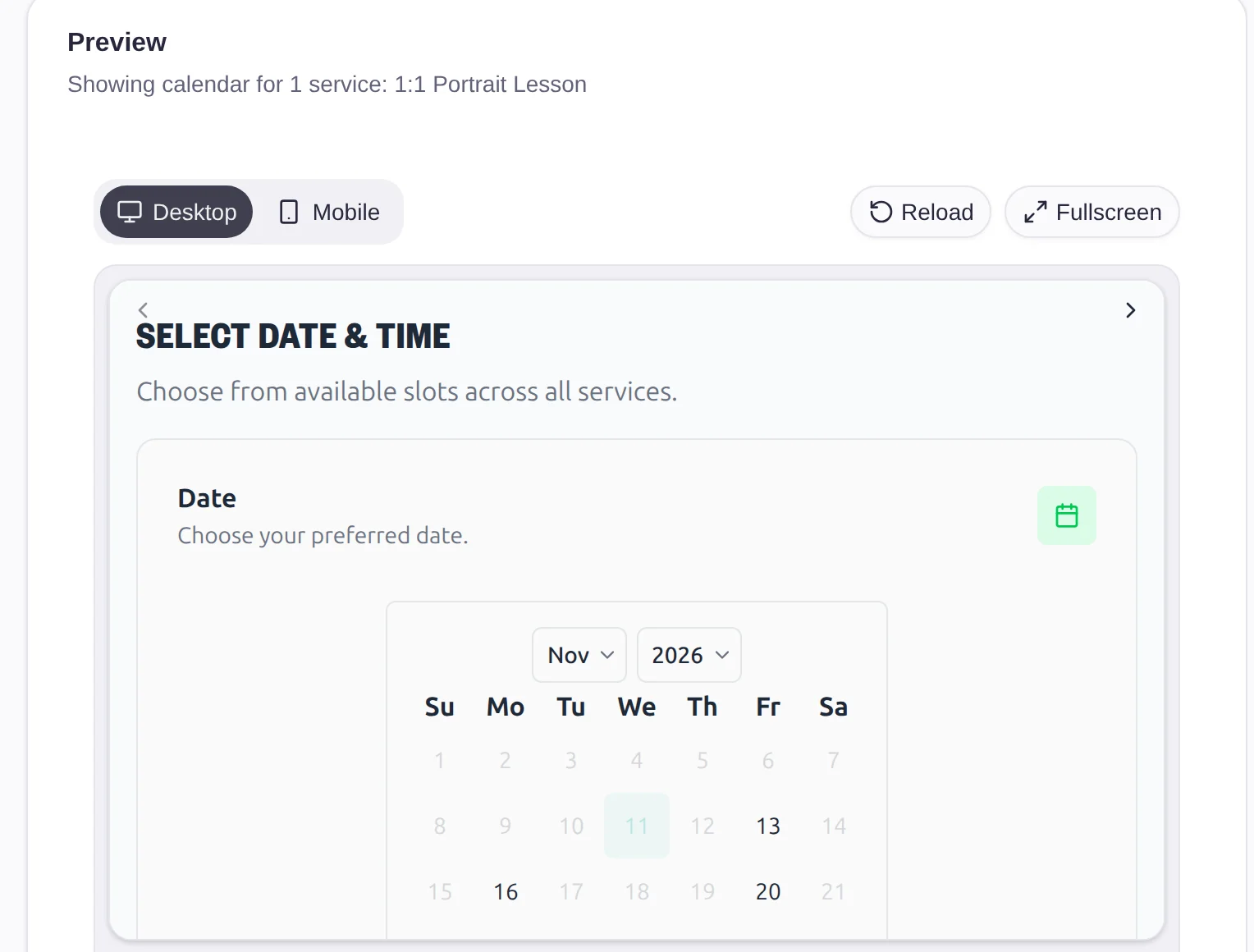
Appointments
Let them pick the time.
The availability calendar shows open slots across the appointment services you choose. Customers pick a date and time, then the service, and they're booked.
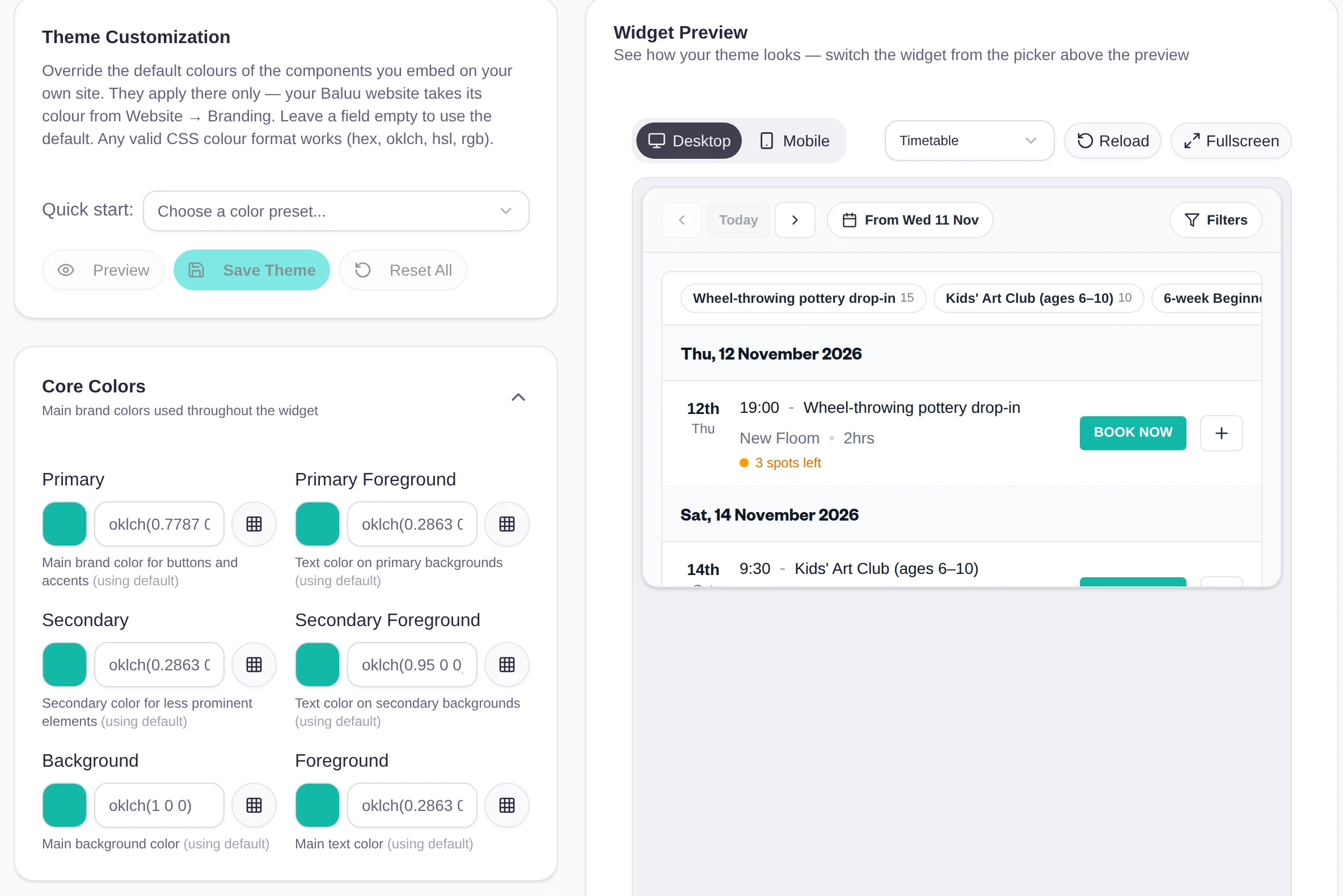
Your colours
Looks like it was always there.
Set your colours once, start from a preset if you like, and every component on your site picks them up. Preview each one on desktop and mobile before you save.
Set up in minutes
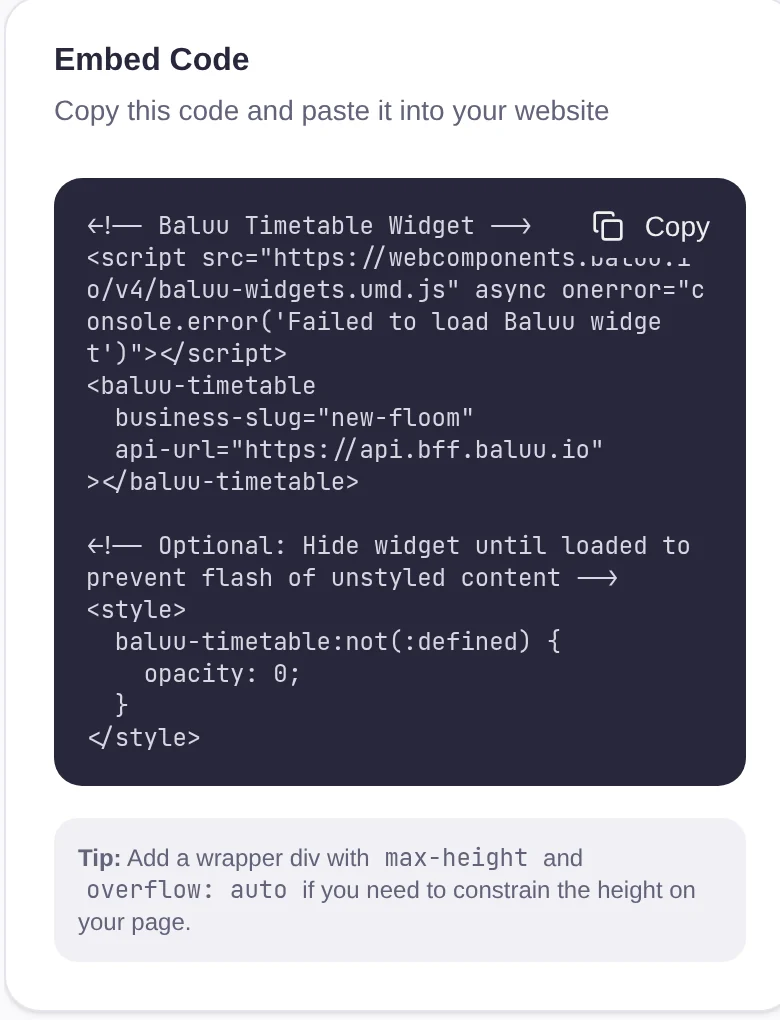
Copy, paste, take bookings.
- Pick a component: and choose what it shows
- Copy the code: a short snippet, ready in the dashboard
- Paste it into your page: with a guide for each website builder
Tracking
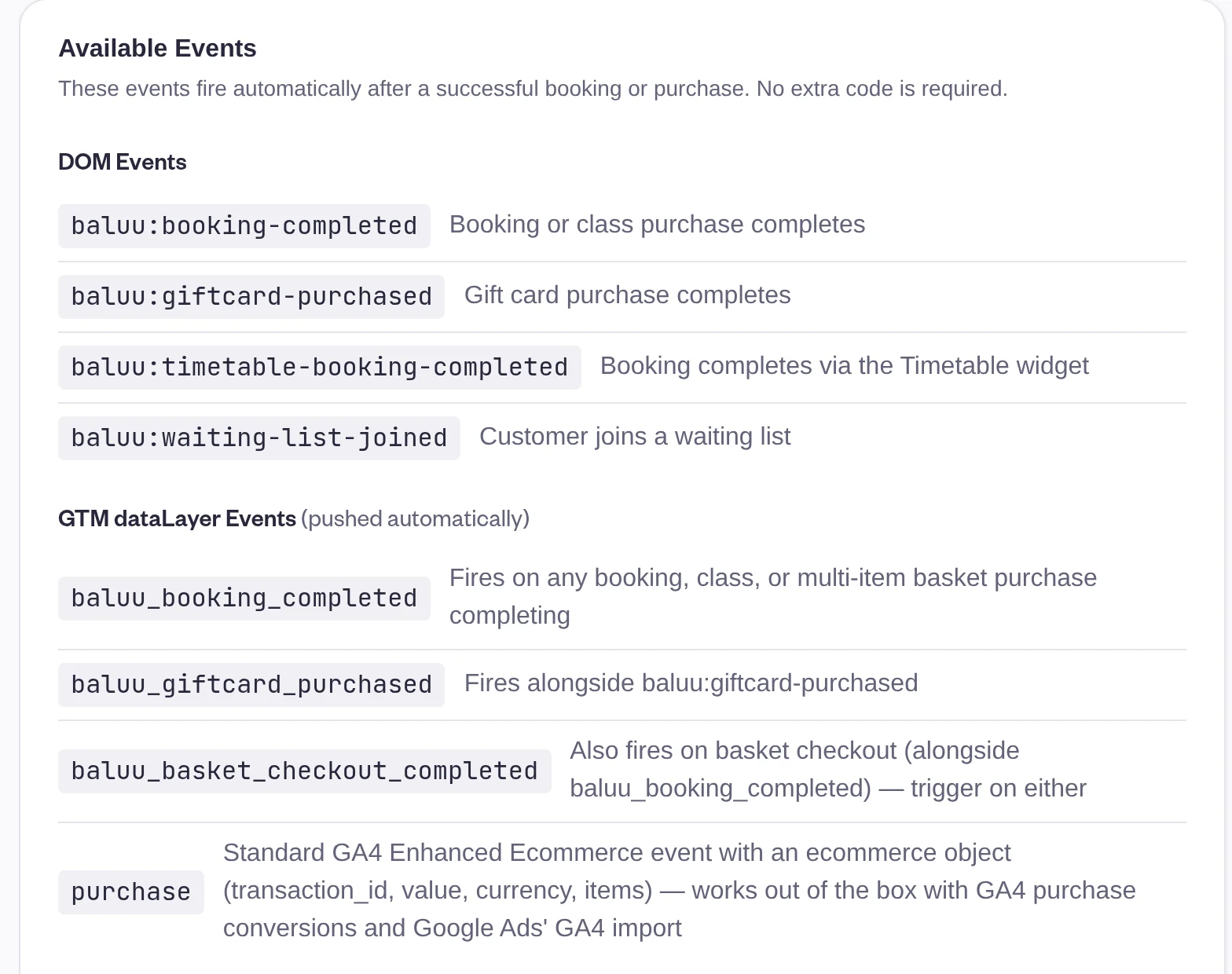
See which ads bring bookings.
Every booking and gift card sale on your site sends an event you can track, with no extra code. It works with Google Analytics, Google Tag Manager, Google Ads and the Meta Pixel.
Baluu AI
Add Junno to your website too.
The AI Chatbot component puts Junno on your site. It answers questions, finds the right class and books it, day and night.
Answers questions
Prices, times and what's still free: Junno knows your classes.
Takes the booking
Customers book by chat, and it lands in your dashboard like any other.
Questions people ask.
- Which website builders does it work with?
- Any website where you can paste HTML. The dashboard has step-by-step guides for WordPress, Squarespace, Wix and Shopify, and for plain HTML.
- Do I need a developer?
- No. Pick a component, copy its code and paste it into your page. The script only needs adding once, however many components the page has.
- Will it match my website?
- Yes. Set your colours once in the theme and every component uses them. They only change the components on your own site, not your Baluu website.
- Do my customers leave my website to pay?
- No. Checkout opens on your page, and customers can collect several bookings in the basket and pay for them together.
- Do I still need a Baluu website?
- No. Use the widget on your own site, a Baluu website, or both. Bookings from both land in the same dashboard.